Play it in your browser · Source on GitHub
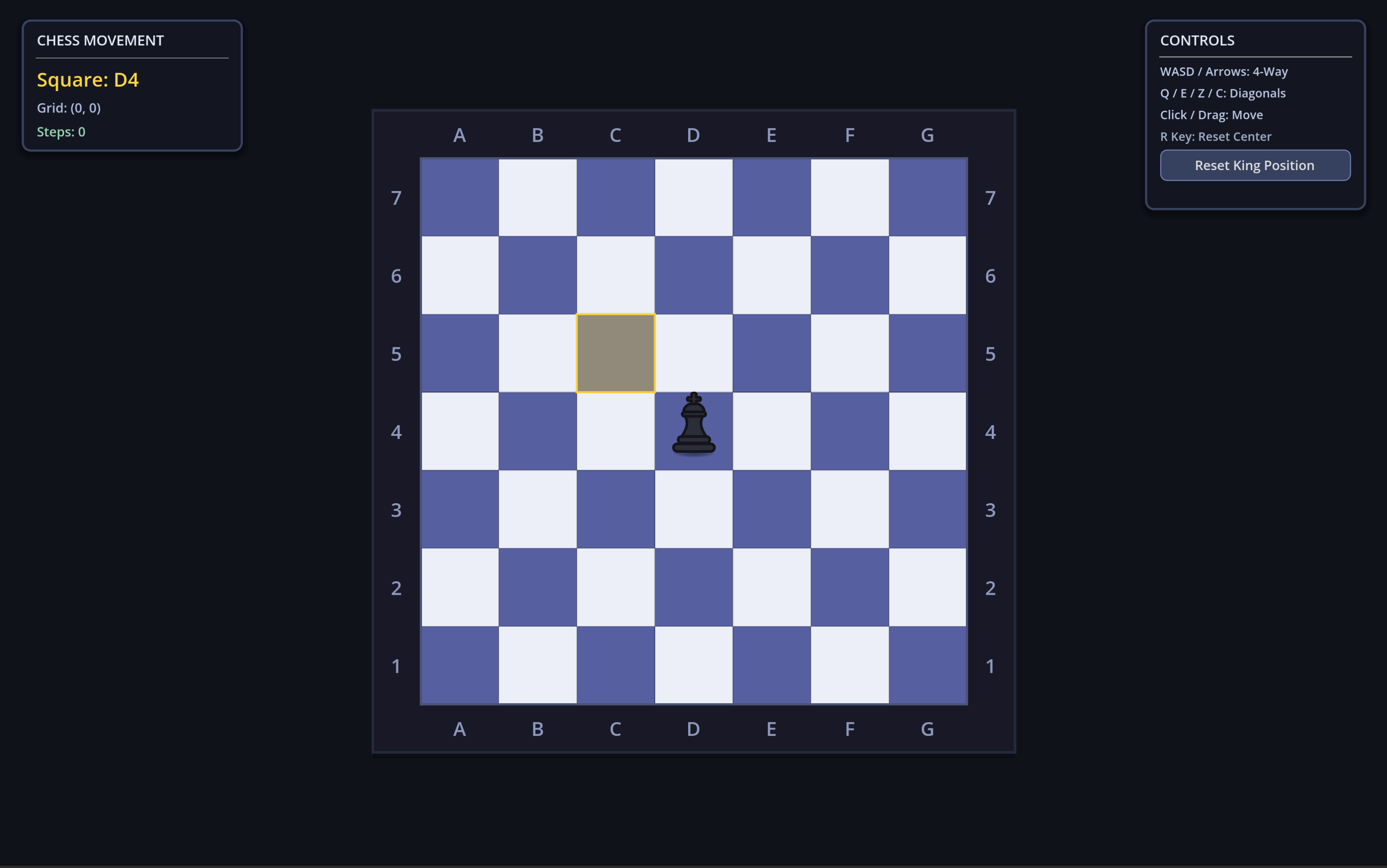
An 8-way King on a board that expands when you walk toward the edge and shrinks back when you leave it.
- 8-way movement (cardinals and diagonals) by keyboard or point-and-click.
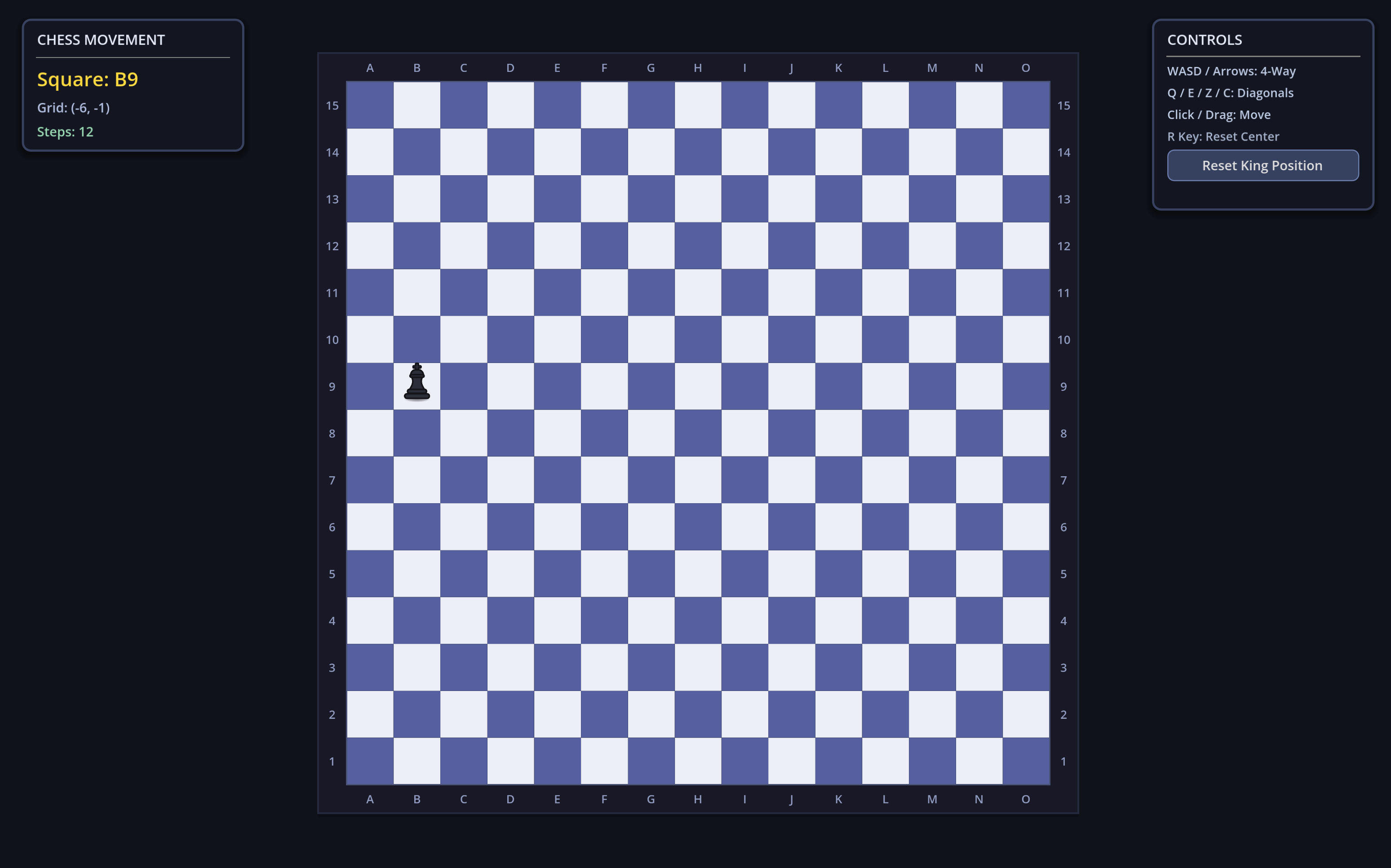
- A board that resizes from 7x7 to 17x17, with a fade on the perimeter tiles.
- A camera that always frames the whole board.
- Chess notation around the board; the King emits
tile_changedwith e.g.D4.
The board is a radius#
The board is centered on tile (0, 0) and described by one integer. The radius needed is the King's distance to the center in Chebyshev terms (max(|x|, |y|)) plus one buffer tile, clamped to 3–8. A radius of 3 gives 7x7, and 8 gives 17x17.
The interesting part is that growing and shrinking are asymmetric:
- Grow immediately, as soon as the King starts a hop toward the edge, so the tile is there before he lands.
- Shrink after 0.45 s, and re-check the King's position before doing it. Step back and forth on a border and the board stays put instead of pulsing.
One hop, four tweens#
A hop is a single position tween plus three parallel ones, all driven by hop_duration (0.16 s):
- Move: quad ease-out to the target tile.
- Arc: the sprite rises 34 px and falls back.
- Squash and stretch: tall at the apex, wide and flat on landing, then settles.
- Shadow: shrinks and fades at the apex, so the King reads as off the ground.
The landing callback spawns dust, emits hop_landed, then consumes buffered input or the held key. That is why holding a direction gives smooth continuous movement and a quick tap during a hop is not lost.
The King never talks to the camera or the audio. He emits hop_started, hop_landed, bump_occurred and tile_changed, and everything else subscribes.
A camera that zooms before the board grows#
Zoom is min(zoom_x, zoom_y) computed from the farthest board edge, the viewport and a margin, so ranks, files and the drop shadow always stay visible. It uses max(animated_radius, target_radius), so the camera starts zooming out as soon as the board decides to grow instead of lagging behind the animation.
The shake is trauma-based: each event adds trauma (hop 0.04, landing 0.08, bump 0.28), the offset scales with trauma² and is driven by simplex noise, and it decays over time. Bumps also add a directional kick away from the wall. Small hops barely move the screen, and a wall bump clearly does.
Try it#
Open the playable (keyboard recommended), or read the source.